





















Step 1
Import It
Find this template in the Template Library, right inside LayerSlider, and import it with one click.
Welcome to LayerSlider
A new standard in web animations
6
version
Imagine & Create
Like millions of LayerSlider users!
We would like to show you how!
LET'S START IT!
with
LayerSlider
PowerBuilder
Creating is easy!
No need to coding
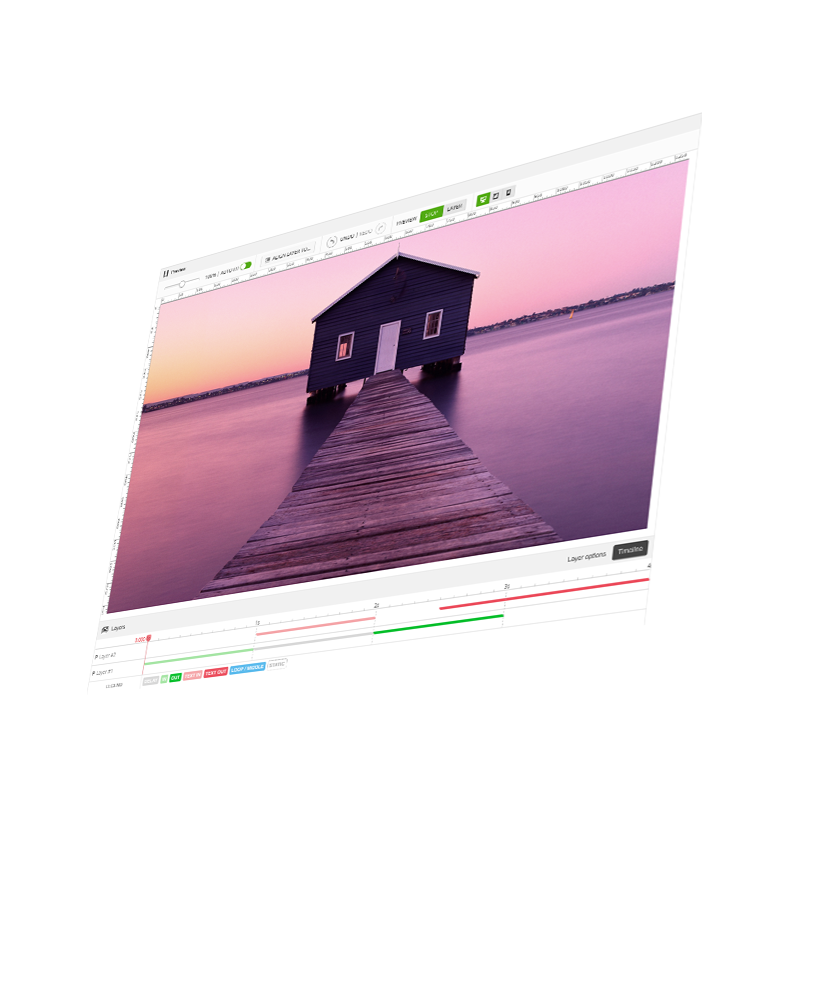
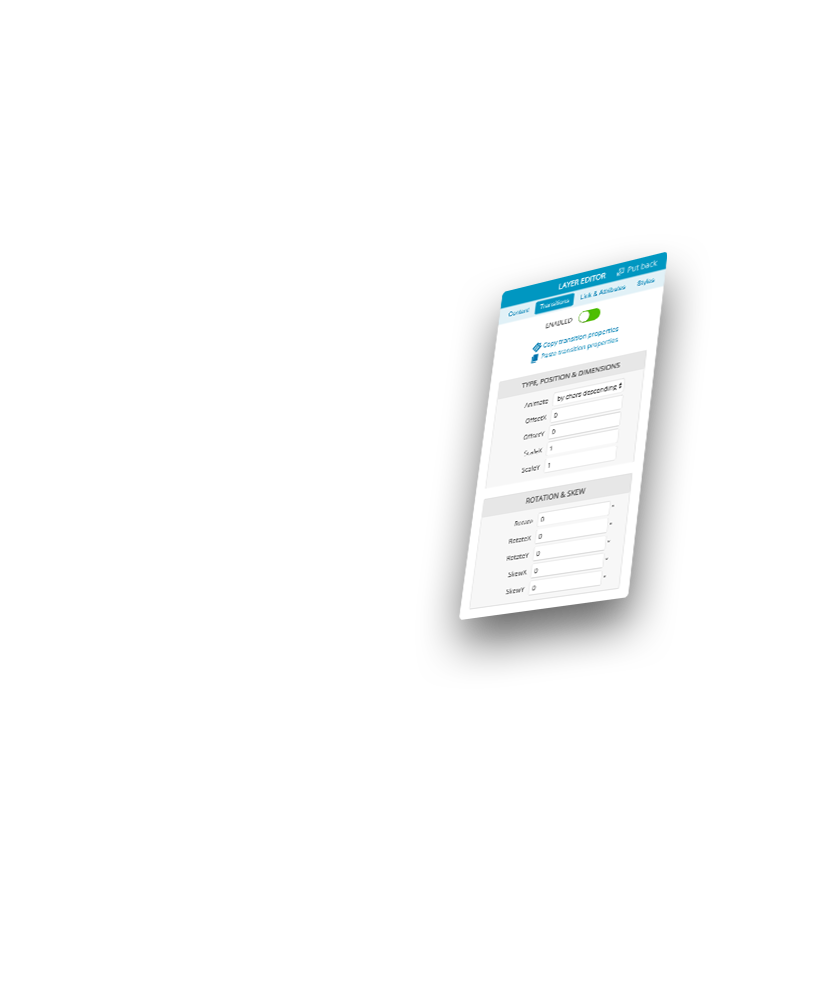
Building sliders has never been easier. Our drag & drop visual slider builder also supports smart features like undo/redo, multi-select, keyboard shortcuts etc. It also incorporates services like the Adobe CC Image Editor to provide Photoshop-like image editing capabilities. LayerSlider PowerBuilder is available for WordPress & Joomla versions.
NEXT SLIDE
Under the hood
API
LayerSlider
Build from the simplest to the most advanced sliders with advanced features! For example:
REVERSE THIS SLIDE
Try it!
CONTINUE
"I enjoy using this top-class product for its ease of use, wide range of features, flexibility and realiability. I found it intuitively easy to use from the start and it has helped me produce some really impressive websites."
"This plugin is perfect. It's streamlined my creative process when it comes to configuring beautiful, impacting, design elements on my WP powered sites."
Join the satisfied members
of our community
Explore Slider Templates
RESTART SLIDER
LayerSlider Hero Template
We put a lot of love into this one. Each layer was placed with intent, each move timed to feel natural, and every detail checked more times than we’d like to admit. Now it’s ready for your content: import it from the Template Library, keep what works for you, and change the rest. And if one detail is all you need, copy single layers into your other projects.
4 Key Features
Three Steps
Step 1
Step 2
Step 3
Similar Templates
Layout Modes
The same project can sit in your content, pop up over everything, open the page as a hero, fill the whole screen or play as your visitors scroll. Keep scrolling and watch one project switch between them.
Slider A block in your content, like an image or a video, scaling with the column it sits in.
Popup Opens over the page after a few seconds, on scroll, on exit intent or on a click.
Hero Scene Full width right under your menu, and as tall as the screen allows.
Full Size The whole browser window, edge to edge, even under a see-through menu.
Scroll Scene Stays in place while your visitors scroll, and their scroll plays the animation, forward and back.
258 ready-made sliders, popups and pages in the Template Library.